Any video, subtitled in your language.
Subtitled adds translated subtitles to videos in other languages. Drop in an MP4, MOV or WebM up to 5 hours long, pick English or any of 16 languages, and download it with the subtitles burned in, plus an .srt file for any player. It recognises more than 60 spoken languages, and costs $0.50 per hour of video, so a 90 minute film is about $0.75.
$0.50 an hour · first hour free
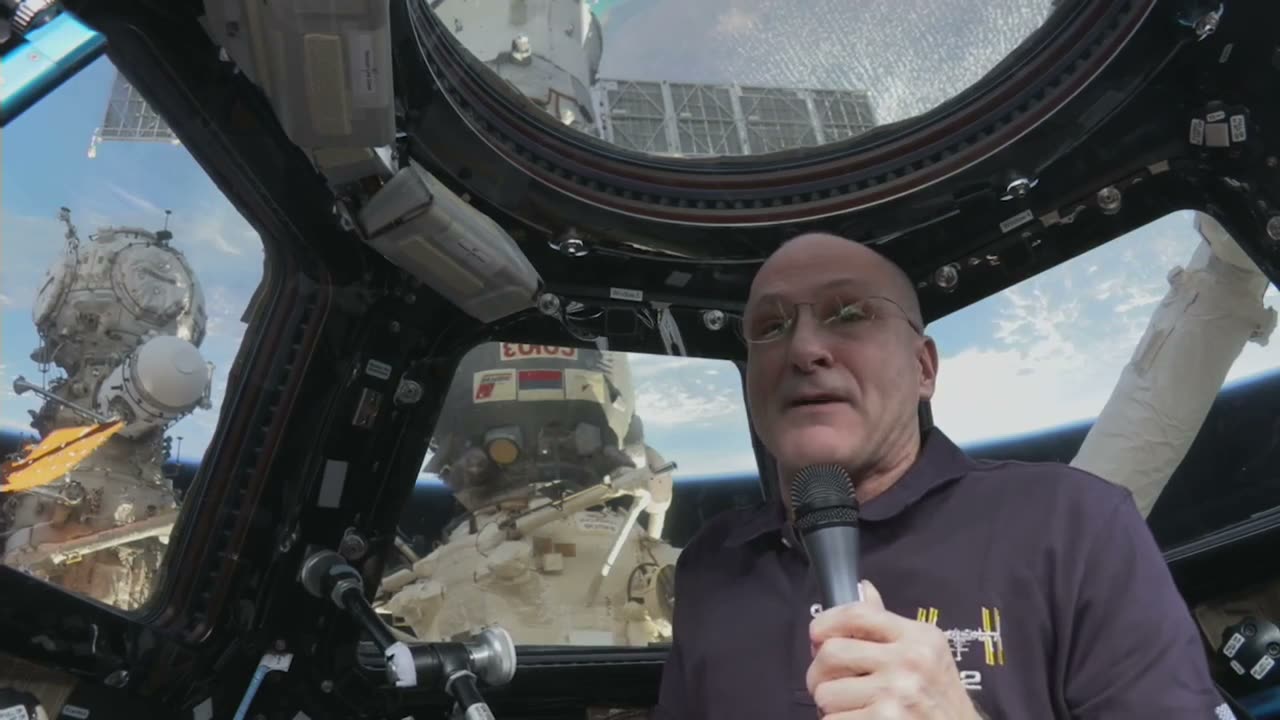
Share it with family
A family video, an interview or a talk in another language can be subtitled once and shared with everyone, with the subtitles drawn into the picture so they show in any app.
Or keep it as a file
The .srt file works with VLC and most players and editors, so you can turn subtitles on and off instead of burning them in.
How it works
- 1Drop in the video file.
- 2Pick the language you want to read.
- 3Style and place the subtitles.
- 4Download the subtitled video or the .srt file.
Questions
Can Subtitled translate a video into English subtitles?
Yes. Pick English and Subtitled transcribes the speech, from any of 60+ languages, and translates it into timed subtitles.
How long can the video be?
Up to 5 hours per file.
Is my video uploaded?
No. Subtitles are burned in on your own computer. Only the sound is sent to be transcribed, and it is deleted as soon as the text comes back.
Can I use the subtitles in VLC?
Yes. Download the .srt file and open it alongside the video in VLC or most other players.